


X-Wall is frozen
If the X-Wall freezes, the solution is often to restart the software.
Step 1.
Use the computer keyboard and press the Windows key ( ) + D at the same time to exit the X-Wall software and go to the Windows desktop.
Step 2.
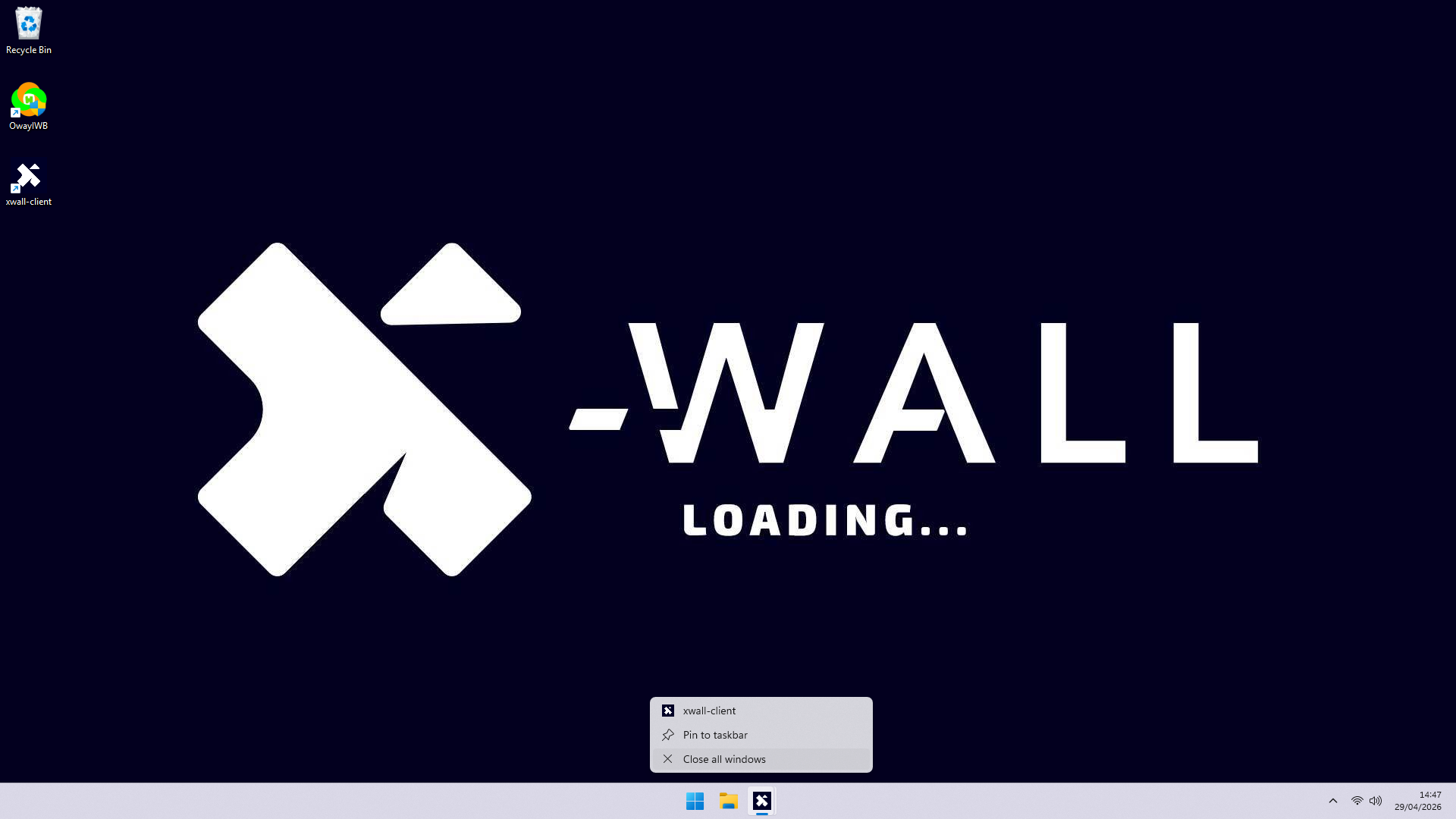
Move the mouse to the X-Wall icon in the taskbar at the bottom of the screen, right-click the icon, and in the menu that opens, click “Close all windows.”
Step 3.
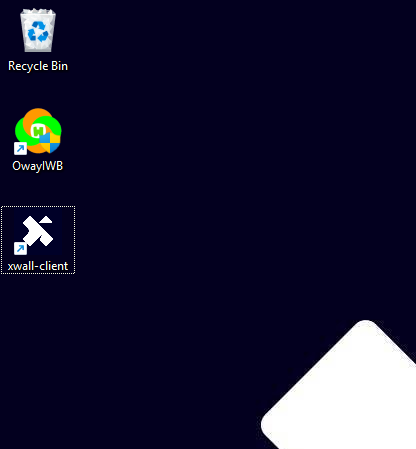
Double-click the X-Wall icon on the desktop to restart the software.
Was this article useful?
Your feedback helps us keep the Knowledge Base sharp.